
Mastering Google Analytics 4 Reports: A Beginner’s Guide to Unlocking Website Insights
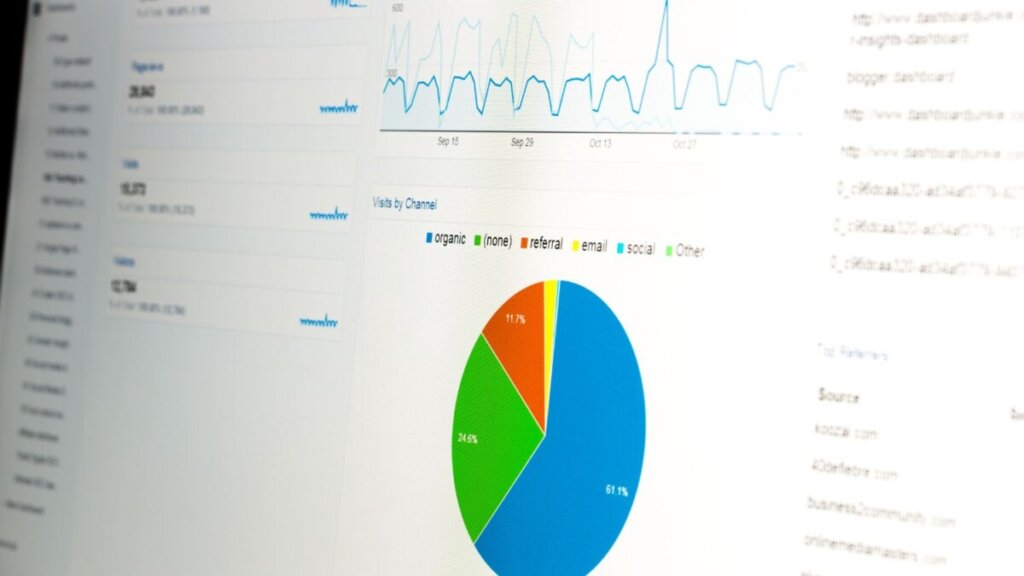
Google Analytics 4 (GA4) has revolutionized the way we track website performance, providing a wealth of data to understand user behavior and make informed decisions. But with so much information available, it can be overwhelming to know where to start. That’s why we’ve created this beginner’s guide to help you navigate the world of GA4 reports and unlock valuable insights.
1. Pre-Built Reports: Your Starting Point
GA4 offers a variety of pre-built reports that provide a comprehensive overview of your website’s performance. These reports are a great starting point for beginners, as they require no setup and provide valuable insights into key metrics like:
- Acquisition: How users are finding your website (e.g., through organic search, social media, or paid advertising)
- Engagement: How users are interacting with your website (e.g., pages visited, time spent on site, events triggered)
- Monetization: How your website is generating revenue (e.g., e-commerce sales, in-app purchases)
- User demographics: The characteristics of your users (e.g., age, gender, location)
To access these reports, simply navigate to the “Reports” section on the left-hand navigation menu. From there, you can explore various Overview and Detail reports that cover different aspects of your website’s performance.
2. Customized Reports: Tailoring Insights to Your Needs
While pre-built reports are a great starting point, GA4 also allows you to create customized reports that are tailored to your specific needs. This can be done by modifying existing reports or creating entirely new ones.
- Modifying Existing Reports: You can easily customize pre-built reports by adding or removing cards, changing metrics and dimensions, and adjusting the date range. This allows you to focus on the specific data points that are most relevant to your goals.
- Creating New Reports: If you need more flexibility, you can create new reports from scratch using the “Exploration” or “Library” features. Exploration is a powerful tool that allows you to build highly customized reports with advanced visualizations, filters, and segments. Library, on the other hand, is a simpler tool for creating basic reports that are based on pre-defined templates.
3. Tips for Getting the Most Out of GA4 Reports
Here are a few tips to help you maximize the value of your GA4 reports:
- Start with the basics: If you’re new to GA4, start by exploring the pre-built reports to get a feel for the data available.
- Use the search bar: If you’re looking for a specific report or metric, use the search bar at the top of the screen.
- Learn from resources: Google offers detailed documentation and tutorials on how to create reports in GA4. You can also find helpful articles and videos online.
By mastering the art of GA4 reporting, you can gain valuable insights into your website’s performance and make data-driven decisions that drive growth. So don’t be afraid to experiment with different reports and features to find what works best for you.


